
iPhone
Halster for iPhone
Halster is in testing. You install the test version through TestFlight, Apple’s app for test versions. Taking part is free: purchases in a test version are not charged.
- Install TestFlight
TestFlight is Apple’s app for test versions. It is free in the App Store.
- Open the test link
On your iPhone, tap “Test Halster for iPhone”, or scan the QR code with the camera. TestFlight asks whether you want to install the test version.
- Use Halster
Halster then appears on your Home Screen. You install a new test version through TestFlight.
Join using the QR code
Scan this code with your iPhone’s camera to open the test link in TestFlight.
Would you rather wait for the App Store?
Join the waitlist. You will receive one email when you can download Halster from the App Store. Joining the waitlist is free. It does not create a Halster account or start a subscription or trial.
For iPhone. Android waitlist.
Your horse’s day
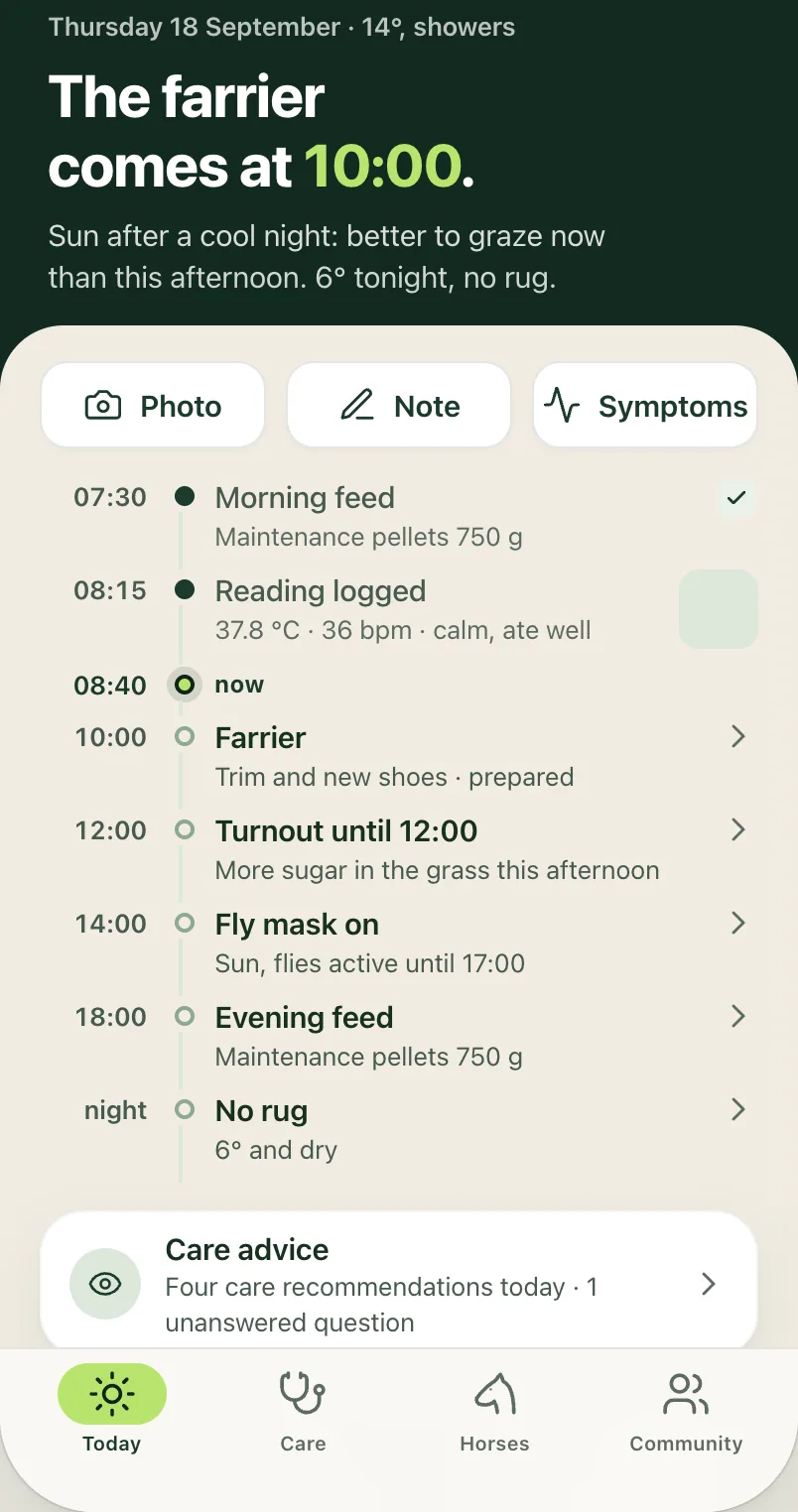
App design in development, with example data. Not a capture of the working app.