From the receipt to the next appointment
Open the recorded farrier visit to add an expense or a follow-up appointment.
Check your recorded spending in Costs, with expenses, receipts and related visits ready to look back at before the next appointment.

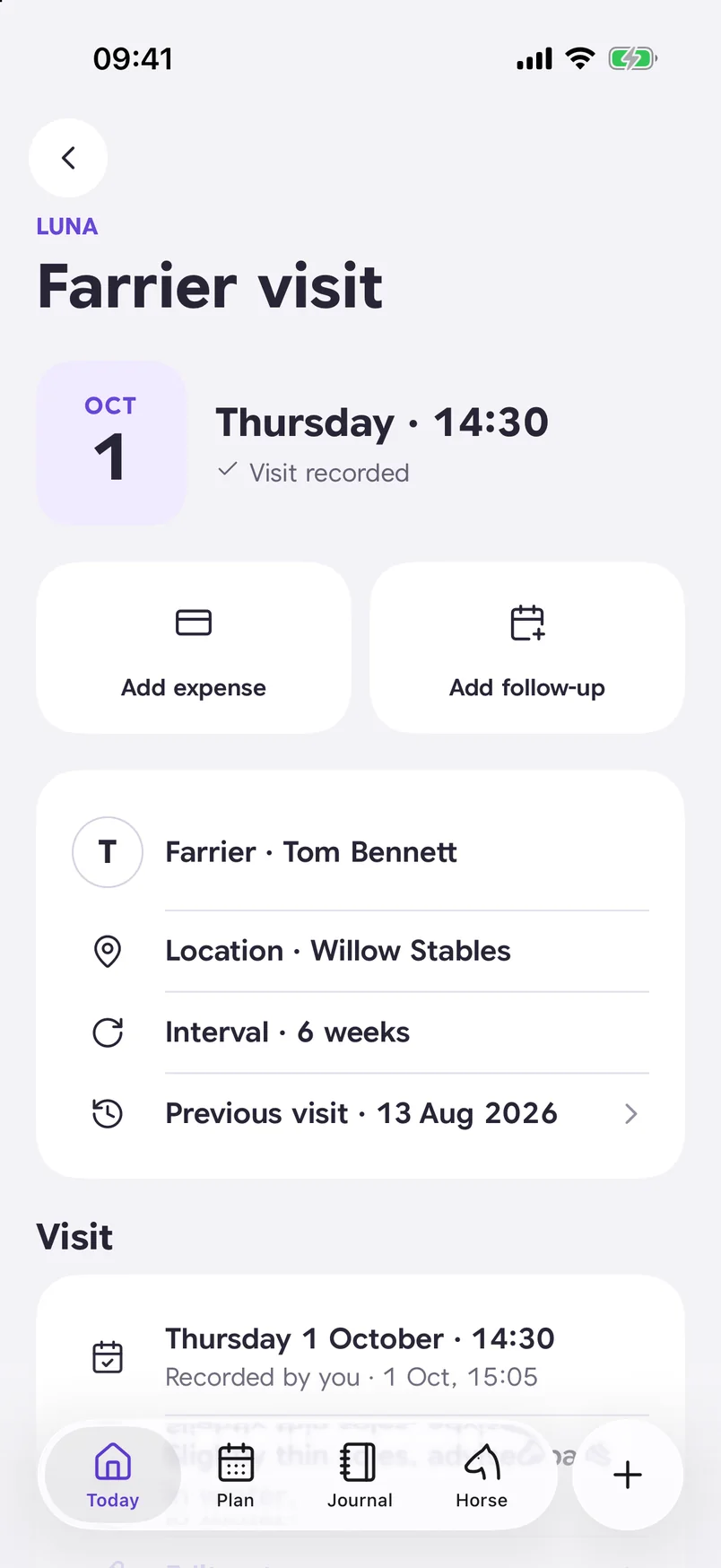
Review the recorded visit and add an expense or follow-up.
Find the visit, its recorded cost and receipt together, with the next appointment still in view.
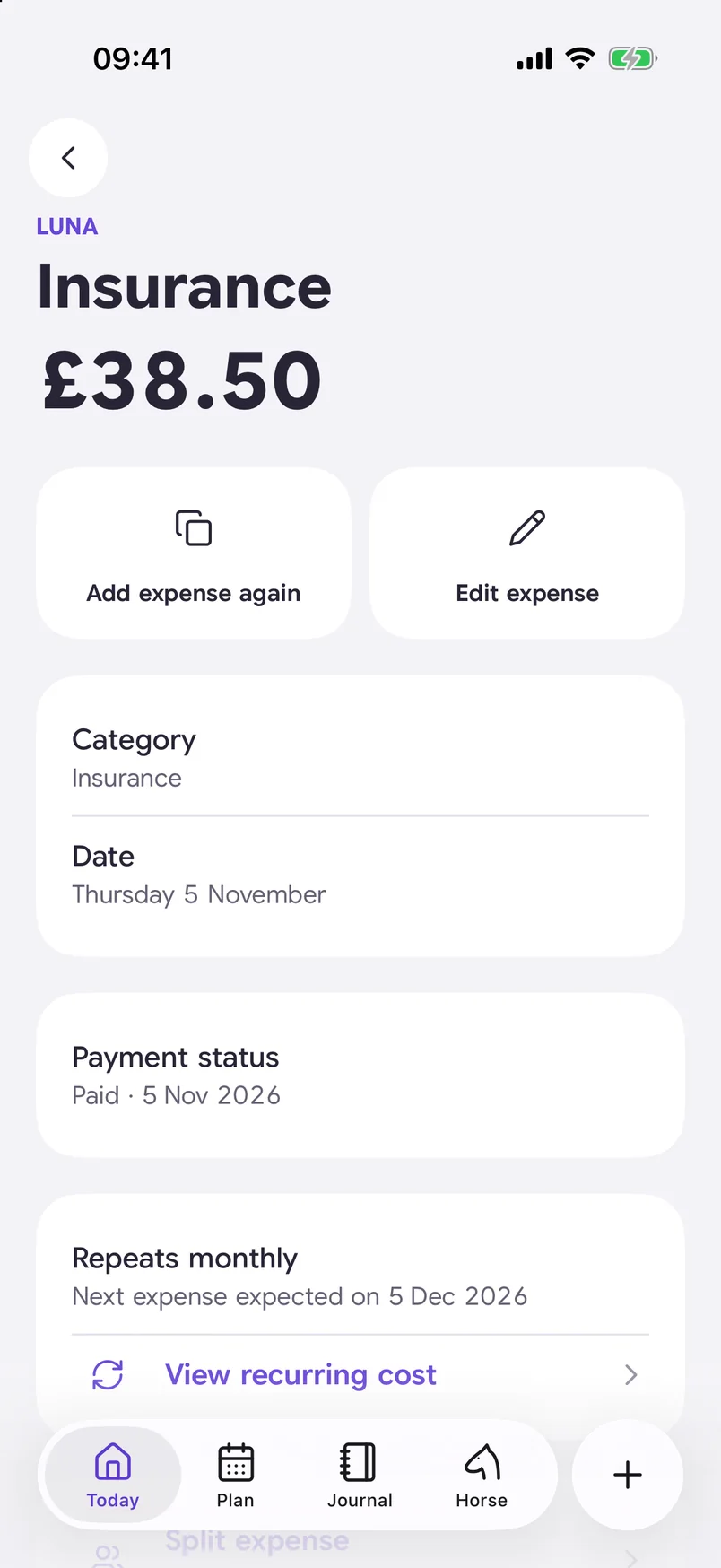
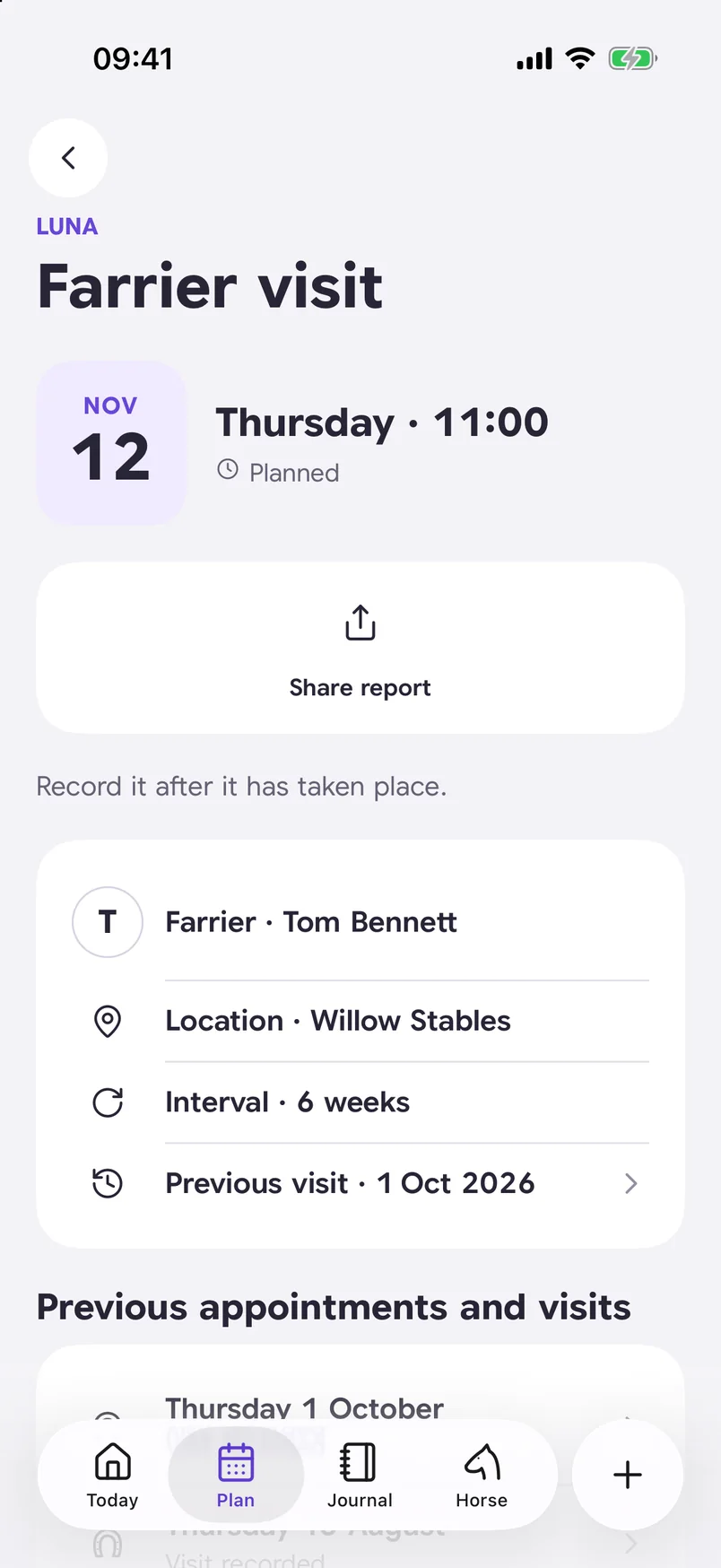
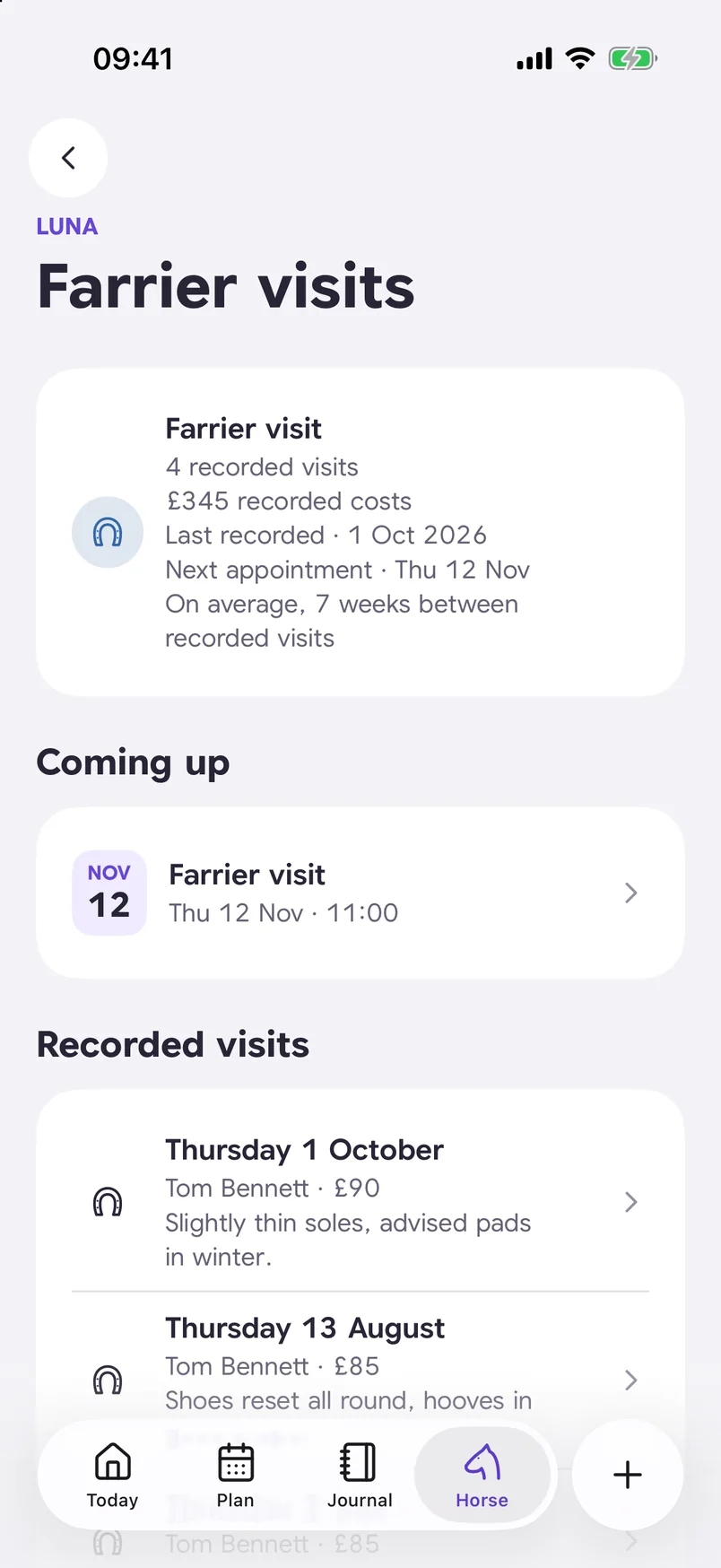
Open the recorded farrier visit to add an expense or a follow-up appointment.
Link an expense to your vet consultation and record its payment status.
Hoof care history lists each recorded visit, its cost and your notes, so you can compare earlier visits.
Record the expense, then add the payment details separately. Check the payment status and date with the expense.

Your horse’s hoof care history shows the number of recorded visits and their total recorded costs, with upcoming appointments listed separately.
You can find the next planned appointment in the farrier visit history, alongside recorded visits.
Yes. Attach the receipt to the expense so you can find it again with the amount and related visit.
No, saving an expense and recording its payment are separate. The consultation is marked paid with its own payment date.
The total covers the costs recorded for farrier visits. Planned appointments are not included.

Keep each expense with the horse, visit and details it belongs to.
 Scan to get Halster for iPhone and iPad.
Available for iPhone and iPad.