Blank feed chart
Keep existing feeding instructions together by feeding occasion, then record feeding in a separate seven-day log. Fill in and save the PDF, or print it for use at the stable.
Fillable PDF · A4 landscape · 3 pages · English
The PDF could not be loaded. Try again or open the print version.
What is included
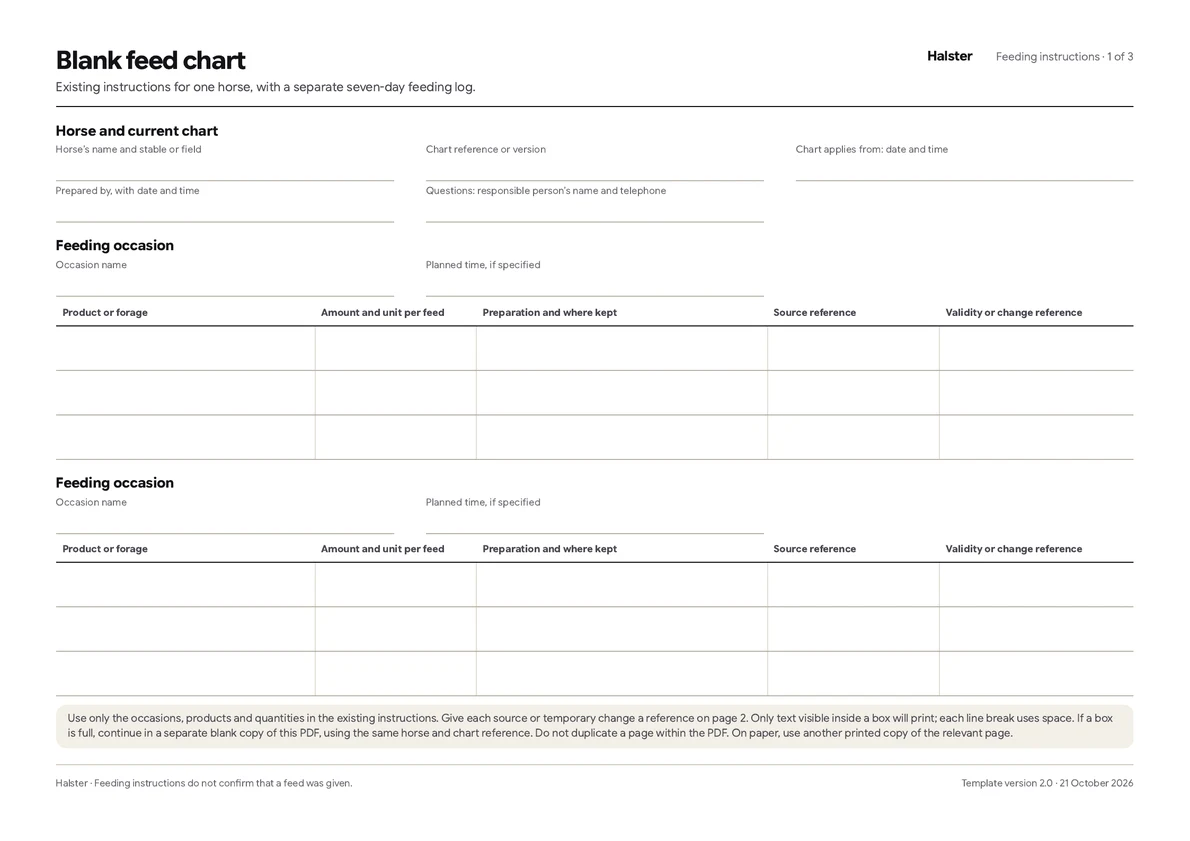
- Two blank feeding-occasion sections, each with three product rows for amounts per feed, units, preparation, sources and validity.
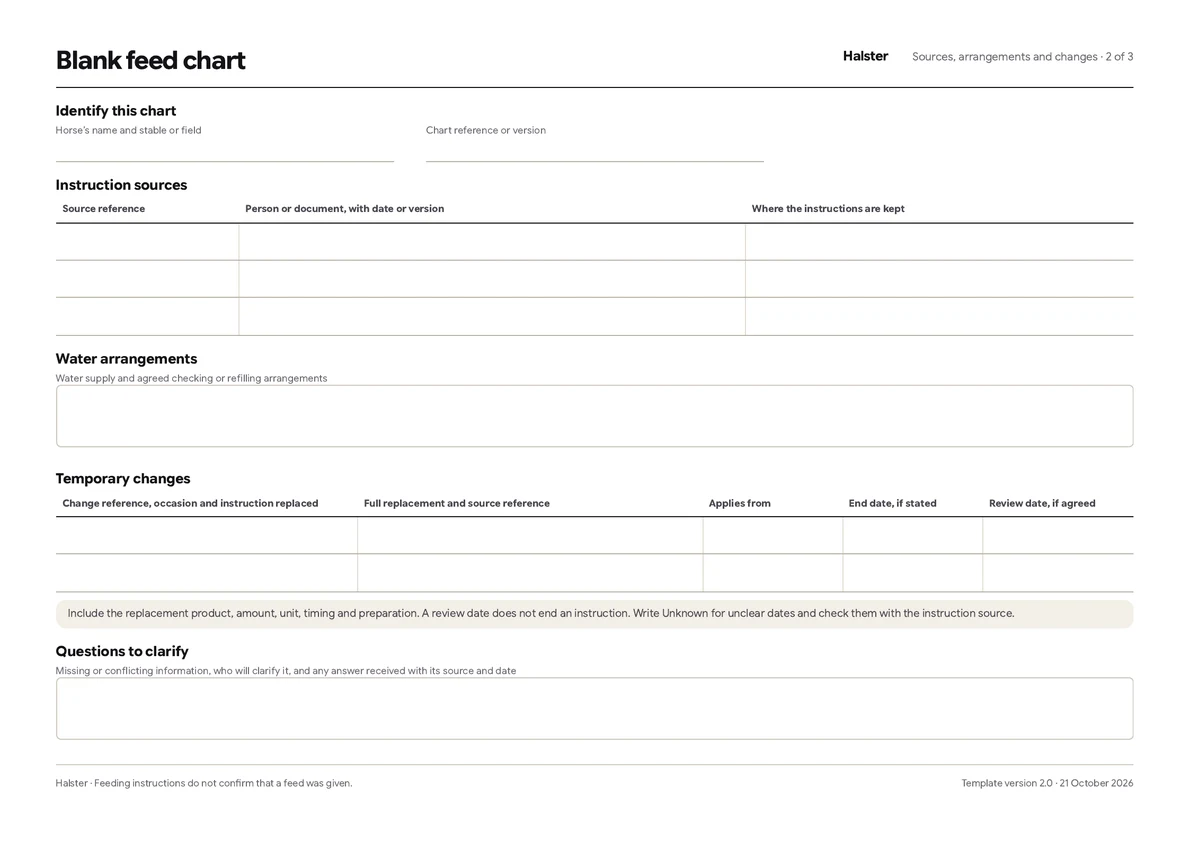
- Source references, water arrangements and temporary changes with separate start, end and review dates.
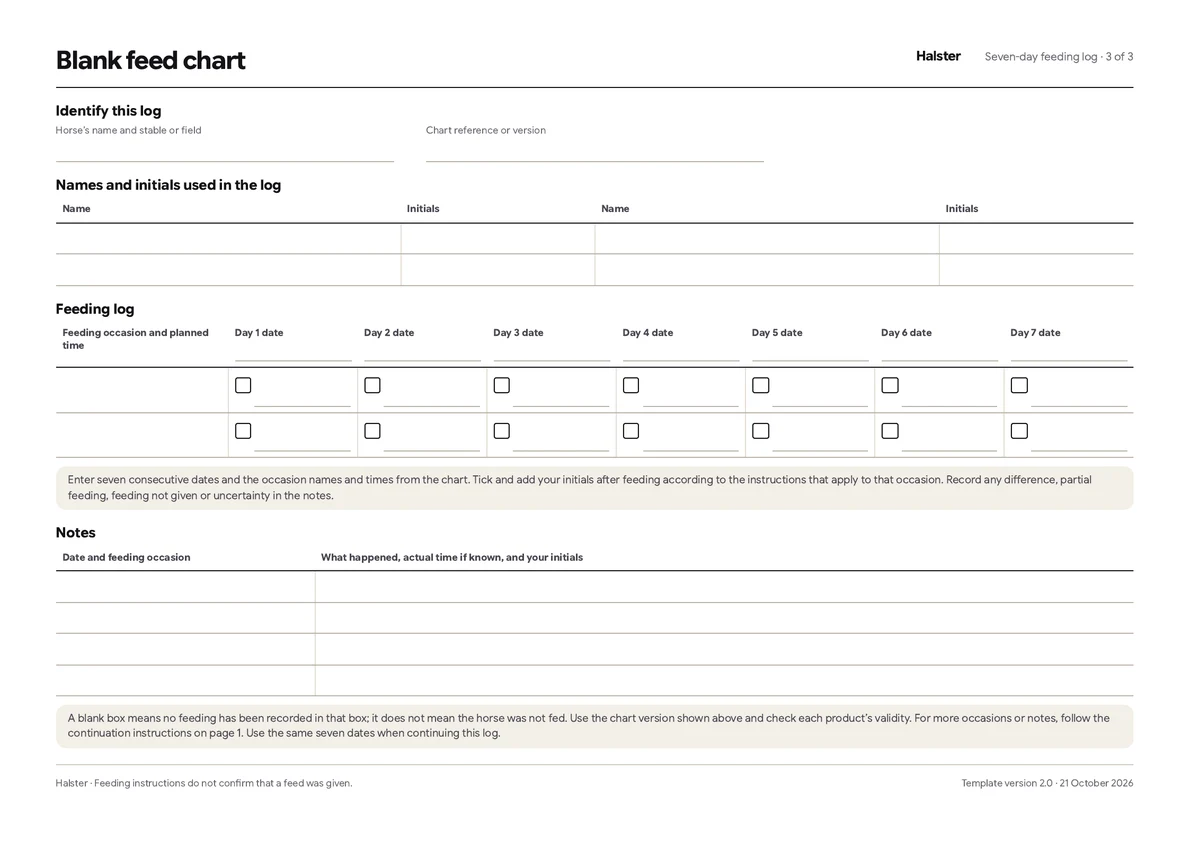
- A seven-day log with two blank feeding-occasion rows, empty recording boxes and space for dated notes.
- A name-and-initials key so the person recording a feed can be identified.
- Three pages you can fill in digitally, save and update, or print and complete by hand. Repeat the relevant page when more space is needed.
How to use the chart and log
- Save the PDF and open it in a PDF app that supports form fields, or print it. Use one packet for one horse. Identify the chart version, when it applies and the sources of the existing instructions.
- Name each feeding occasion yourself and copy its planned time, if specified. Enter each product on a separate row with its amount per feed, unit, preparation, source and validity. The available rows do not prescribe a number of feeds. For more occasions or products, follow the continuation instructions below.
- Record temporary changes with their source and start date. Enter an end date only if one was stated and a review date only if one was agreed. Ask the instruction source about missing or conflicting details.
- Enter seven consecutive dates in the log and copy the occasion names and planned times from the chart. After feeding according to the instructions that apply, tick the box and add your initials. Record differences, partial feeding, feeding not given or uncertainty in the dated notes, with the actual time if known.
- When agreed instructions change, identify the replacement chart and when it applies. Keep superseded charts with the logs that used them. Saved PDFs and printed copies do not update themselves.
Only text visible inside a box will print; each line break uses space. If a box is full, continue in a separate blank copy of this PDF, using the same horse and chart reference. Do not duplicate a page within the PDF. On paper, use another printed copy of the relevant page. Save and reopen your completed files to check that every line is visible before sharing or printing them.